Can you show a Texas fishing license on your phone?
We've all been there: fumbling through your wallet or tackle box, desperately searching for that little paper fishing license while a game warden patiently (or maybe not so patiently) waits. It's a moment that can make even the most seasoned angler break into a sweat. Thankfully, in this modern age, the Texas Parks and Wildlife Department understands the convenience of technology, and this guide will walk you through exactly how you can use your phone to display your valid Texas fishing license, saving you from those wallet-rummaging woes.
The Ease of Digital Licensing in Texas
Gone are the days when a crumpled piece of paper was your only proof of being a legal angler. Texas has embraced digital convenience, recognizing that most folks carry their smartphones everywhere, including out on the water. This shift has made things a whole lot easier for many, allowing immediate access to your license without the constant worry of losing a physical copy.
The Texas Parks and Wildlife Department's Official Stance
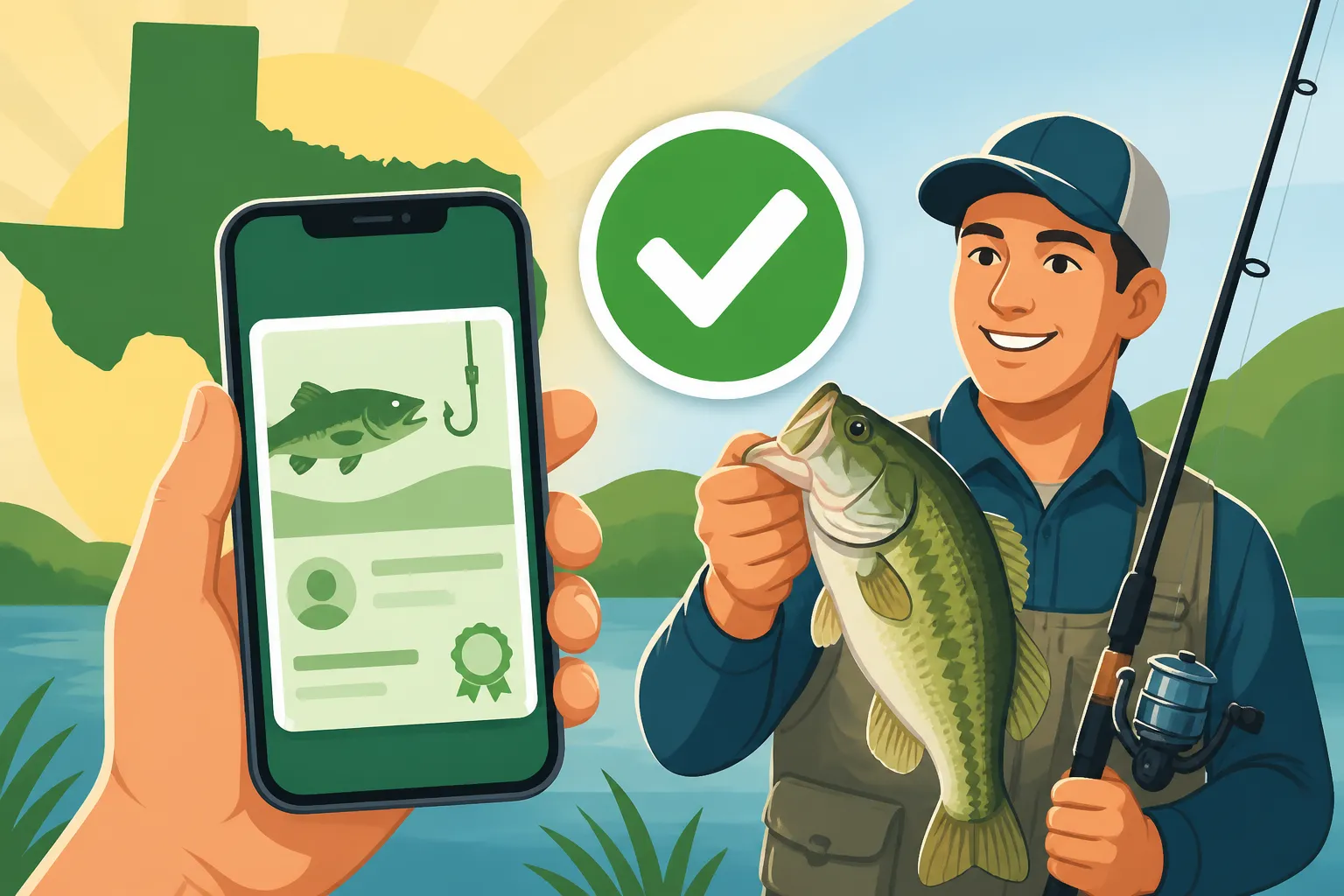
The good news is that the Texas Parks and Wildlife Department (TPWD) does indeed allow you to display your fishing license on your smartphone or other electronic device. This isn't just a workaround; it's an officially recognized method. According to TPWD regulations, a legible image of your license, whether it's a screenshot, a photo, or displayed through their official app, is generally accepted as valid proof. This means if a game warden asks to see your license, you can confidently pull out your phone and show them. It's designed to streamline the process, making it less of a hassle for both anglers and law enforcement. The key here is "legible" – make sure the information is clear and readable!
Accessing Your Digital License on Your Phone
So, how do you actually get your license onto your phone? There are a few straightforward ways to do it. The most recommended method, and arguably the most robust, is through the official Outdoor Annual app. This app, available for both iOS and Android devices, isn't just a digital repository for your license; it's a treasure trove of regulations, bag limits, and important dates, all in one place. Once you've purchased your license, it often links directly to your profile within the app, appearing almost instantly.
Beyond the app, many anglers simply take a clear photo of their physical license after purchasing it. You can also save the PDF or screenshot the confirmation email you receive if you bought your license online. The convenience factor here is huge. Think about those times you've headed out the door, rod in hand, only to realize halfway to the lake that your physical license is still on the kitchen counter. With it on your phone, as long as you have your phone, you have your license. If you're wondering how to actually obtain one, our comprehensive guide on How to Get a Texas Fishing License can walk you through the process.
What if Your Phone Dies or Loses Signal? Addressing Common Anxieties
This is probably the biggest "what if" for anglers relying solely on their phone. It's a valid concern, especially when you're out on some remote stretch of the Brazos River or deep in a bay where cell service is spotty at best.
First, let's talk about phone battery. Modern smartphones have decent battery life, but a full day of GPS, photos, and general usage can drain it fast. This is where a portable power bank, easily found on platforms like Amazon, becomes your best friend. Tossing a fully charged power bank into your tackle bag is a simple, proactive step to avoid a dead phone dilemma. Consider it essential gear, much like extra line or a spare hook.
Second, losing signal. The Outdoor Annual app is actually quite clever about this. Once your license information is downloaded and visible within the app, it generally remains accessible even if you lose cell service. This is because the data is stored locally on your device. However, if you're relying solely on a screenshot from a website or an email confirmation that might require an internet connection to load, you could run into trouble. Always ensure your digital proof is downloaded or saved directly to your phone's memory, not just accessible via a cloud service or web browser that needs data. It's always a good idea to test this before you head out: put your phone in airplane mode and see if you can still pull up your license.
Navigating the Digital License Landscape
The shift to digital has been largely positive, but understanding the nuances is key to a smooth experience. It's not just about having a picture; it's about having the right kind of picture and knowing how to present it.
The Outdoor Annual App Your Best Bet
As mentioned, the official Texas fishing license mobile app explained is arguably the most secure and convenient way to carry your digital license. Here’s why it’s often your best bet:
- Direct Integration: Once you purchase your license, especially if you do it online or through an authorized retailer that registers it with TPWD, it often automatically populates in your app profile. No need to take photos or worry about legibility.
- Offline Access: This is a huge advantage. Once your license is loaded into the app, it's generally stored on your device, meaning you don't need cell service or Wi-Fi to display it to a warden. This is crucial for those remote fishing spots where bars are rarer than trophy bass.
- Comprehensive Information: Beyond your license, the app is packed with up-to-date regulations, including Texas Freshwater Fishing Regulations and Texas Saltwater Fishing Regulations, bag limits, and season dates. It's like having a digital rulebook in your pocket, making it easier to ensure you're always fishing legally.
- Proof of Purchase: The app essentially acts as a verified digital wallet for your TPWD documents, lending more credibility than a simple photo.
To get started, simply download the "Outdoor Annual" app from your phone's app store, create an account, and link your licenses. If you bought your license online, it usually syncs up without a hitch.
Other Digital Proof Options
While the app is king, it's not the only way. Other forms of digital proof that are generally accepted include:
- A clear, readable photo of your physical license: If you prefer to buy your license in person at a sporting goods store like Academy Sports + Outdoors or even Walmart, you can simply snap a picture of the printed license with your smartphone. Make sure the entire license is visible, all text is sharp, and there's no glare.
- A saved PDF of your online purchase confirmation: When you buy your license through the TPWD website, you'll receive a confirmation email, often with a PDF attachment of your temporary or full license. Saving this PDF directly to your phone's files or email app can serve as proof.
- A screenshot of your license details from the TPWD website: If you log into your TPWD account online and view your license details, you can take a screenshot of that page. Again, ensure all critical information (license number, dates, your name) is perfectly legible.
The main takeaway here is clarity and accessibility. Any digital format that clearly displays all the necessary information, which includes your name, license number, license type, and expiration date (remember, the Texas fishing license year explained: why it ends August 31), should suffice.
The Benefits of a Digital License
The advantages of going digital are pretty clear once you start relying on it:
- Ultimate Convenience: Your phone is almost always with you. This drastically reduces the chances of leaving your license at home. No more last-minute scrambles!
- Eco-Friendly: While not a primary driver for most, it does reduce paper waste. Every little bit helps, right?
- Durability: Unlike paper licenses that can get wet, torn, or faded, a digital copy on your phone is protected. Just make sure your phone itself is protected – a good waterproof phone case, easily found on Amazon, is a smart investment for any angler.
- Quick Retrieval: In most cases, it's faster to pull up an app or a photo on your phone than to dig through a wallet or tackle box. This means more time fishing and less time searching.
Important Considerations and Best Practices
While digital licenses offer fantastic convenience, a little preparation and understanding of best practices can save you a lot of potential headaches. You don't want to be caught in a situation where your digital proof isn't accepted due to an oversight. Knowing Do you have to carry your Texas fishing license while fishing? is essential, and the answer is a resounding yes, in some form!
Keeping a Backup Always a Smart Move
Even with all the digital convenience, being prepared for every eventuality is part of being a smart angler. Just like you'd have a spare anchor or extra bait, having a backup for your license is crucial.
Consider printing a physical copy of your license and keeping it in a sealed, waterproof bag in your tackle box or boat. This might seem counterintuitive to the digital age, but it's a small precaution that can prevent a major headache. If your phone decides to take an unplanned swim, runs out of battery, or mysteriously decides to lock you out right when a warden pulls up, that paper backup will be your savior.
Alternatively, if you're out with a fishing buddy, you could both have a photo or screenshot of each other's licenses on your phones (with permission, of course!). In a pinch, if one person's phone fails, the other might be able to display the necessary information. It's all about redundancy. Remember, the Penalties for Fishing Without a Texas License are no joke, so it's always better to be over-prepared.
Understanding Wardens' Expectations
Texas Game Wardens are professionals who understand the law and the allowance for digital licenses. They are looking for clear, verifiable proof that you are legally authorized to fish. When they ask to see your license:
- Be Polite and Cooperative: Present your phone promptly and clearly display the license information. Don't make them wait while you scroll through social media feeds.
- Ensure Legibility: Make sure the screen is clean, bright, and the text is large enough to read without straining. If you have a screen protector that makes it hard to see, you might want to consider removing it before your trip or being ready to adjust your display settings.
- Provide the Full Picture: Don't just show a snippet. The warden needs to see your full name, license number, type of license (e.g., Texas All-Water Fishing License Explained), and the valid dates.
They're not trying to give you a hard time; they're just doing their job. A little respect and preparedness go a long way in these interactions.
When a Physical Copy Might Still Be Best
Despite the overwhelming advantages of digital licenses, there are a few niche scenarios where having a physical copy might still be the preferable, or even necessary, option:
- Youth Anglers Without Phones: While kids under a certain age don't always need a license (see Texas Youth Fishing License Rules), if they do, and they don't have a smartphone, a physical copy is obviously the only way.
- Boats with Multiple Anglers: On a busy boat with several people, passing around one phone to show multiple licenses might be cumbersome. Individual physical licenses could be easier.
- Very Remote Areas with No Power Access: If you're on a multi-day backpacking trip where recharging devices is impossible and you know you'll be out of touch, relying solely on a phone might be too risky. A simple laminated card could be your peace of mind.
- Certain Tournaments or Official Events: While rare, some organized fishing events or tournaments might still prefer or require a physical display for quick check-ins or verification. Always check the rules of any event you participate in.
For the vast majority of recreational anglers, however, a properly saved digital license is perfectly fine. The table below summarizes the key differences between digital and physical licenses.
| Feature | Digital License (On Phone) | Physical License (Paper/Card) |
|---|---|---|
| Convenience | Extremely high, usually always with you. | Requires remembering to bring specific document. |
| Durability | Protected by phone; less prone to water damage/tearing. | Prone to damage from water, tears, fading. |
| Accessibility | Quick retrieval via app/photo; often works offline (app). | Requires finding in wallet/tackle box. |
| Battery Risk | Dependent on phone battery; requires backup power. | No battery dependency. |
| Signal Risk | Minimal if saved locally (app/photo), higher if web-based. | Not affected by cell signal. |
| Verification | Accepted by TPWD; must be clear and legible. | Universally accepted; must be presented clearly. |
| Backup Options | Easy to screenshot/email; portable power banks. | Can be laminated; requires carrying duplicates. |
| Cost | Same license fee, plus potential app store fees (if any). | Same license fee, sometimes a small print fee. |
Common Misconceptions About Digital Licenses
Even with the clear guidelines, a few myths and misunderstandings still float around about using your phone for your fishing license. Let's bust a couple of them wide open.
"Any Photo Will Do" Clarifying Valid Digital Proof
This is a common one: the idea that any old blurry photo or a screenshot of just a part of your license will pass muster. This couldn't be further from the truth. While TPWD is accommodating, they still expect proper identification.
A "valid digital proof" means:
- Clear and Legible: The photo or display must be sharp enough for a warden to read all the information without squinting. Blurry, poorly lit, or cropped images won't cut it. Imagine trying to verify information on a receipt in bad lighting – it's frustrating.
- Complete Information: Every critical piece of data must be present: your full legal name, your date of birth, your physical description (if applicable), the license type, the license number, and the valid start and end dates. If you're using the Outdoor Annual app, this is typically handled automatically. If you're taking a photo, ensure the entire physical license is in the frame.
- Current License: Obviously, the license displayed must be current and valid. Showing an expired license from last year, even if it's perfectly clear, is still considered fishing without a license. Make sure you understand Texas Fishing License Renewal Rules and renew promptly.
So, while "any photo" might feel convenient, it's really about presenting a professional and complete digital representation of your legal right to fish.
Offline Access Myths How the App Handles Connectivity
Another lingering concern is about internet connectivity. Many assume that because it's on a phone, you'll need cell service or Wi-Fi to show your license. While this might be true for web-based access or emails, it's not the case for the official Outdoor Annual app.
Once you've initially logged into the app and your licenses have synced, the data is typically stored locally on your device. This means you can be deep in the backcountry, far from any signal tower, and still pull up your license without a hitch. The app is designed with Texas's vast, often-remote fishing grounds in mind.
However, if you're experiencing issues with the app or prefer to use a simple screenshot, always remember to save that screenshot directly to your photo gallery. Don't rely on cloud-synced photos that might require an internet connection to view, or an email that needs to download content. A simple, locally stored image is usually sufficient and avoids any connectivity problems.
The overall message is clear: embracing digital means embracing convenience, but it also means understanding the tech just enough to prevent a minor inconvenience from turning into a major one. A little preparation, whether it's downloading the app or carrying a small portable charger from Amazon, goes a long way to ensure your Texas fishing adventures are always smooth sailing.
Disclaimer
The information provided in this guide is for general informational purposes only and does not constitute legal advice. While we strive to provide accurate and up-to-date information, fishing regulations and policies can change. Always consult the official Texas Parks and Wildlife Department (TPWD) website or their most current Outdoor Annual for the definitive and latest regulations before heading out to fish. Your responsibility is to ensure you are compliant with all applicable laws.